How it works
Dynasty Central is built around a fast “import → review → confirm” loop so you can spend more time coaching and less time transcribing.
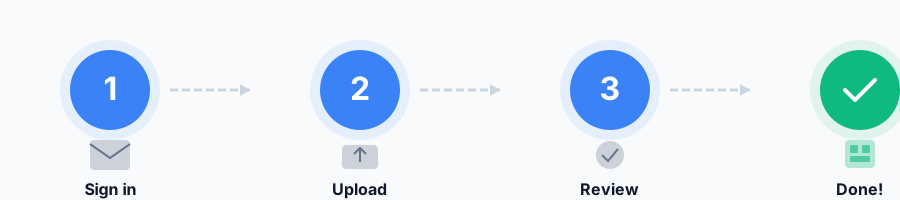
1) Sign in
Use a magic link—no password required.
2) Upload screenshots
Start an import and upload roster, recruiting, and schedule screenshots from your phone.
3) Review & confirm
Check the extracted data, fix anything that looks off, and confirm to populate your dynasty views.
What should I screenshot?
Anything that helps you answer “who’s on my team”, “who am I recruiting”, and “what’s next on the schedule”. If you’re not sure, upload what you have—the review step keeps you in control.
Roster
Players, positions, and key attributes.
Recruiting
Targets, priorities, and status snapshots.
Schedule
Upcoming games and the weekly cadence.